Description
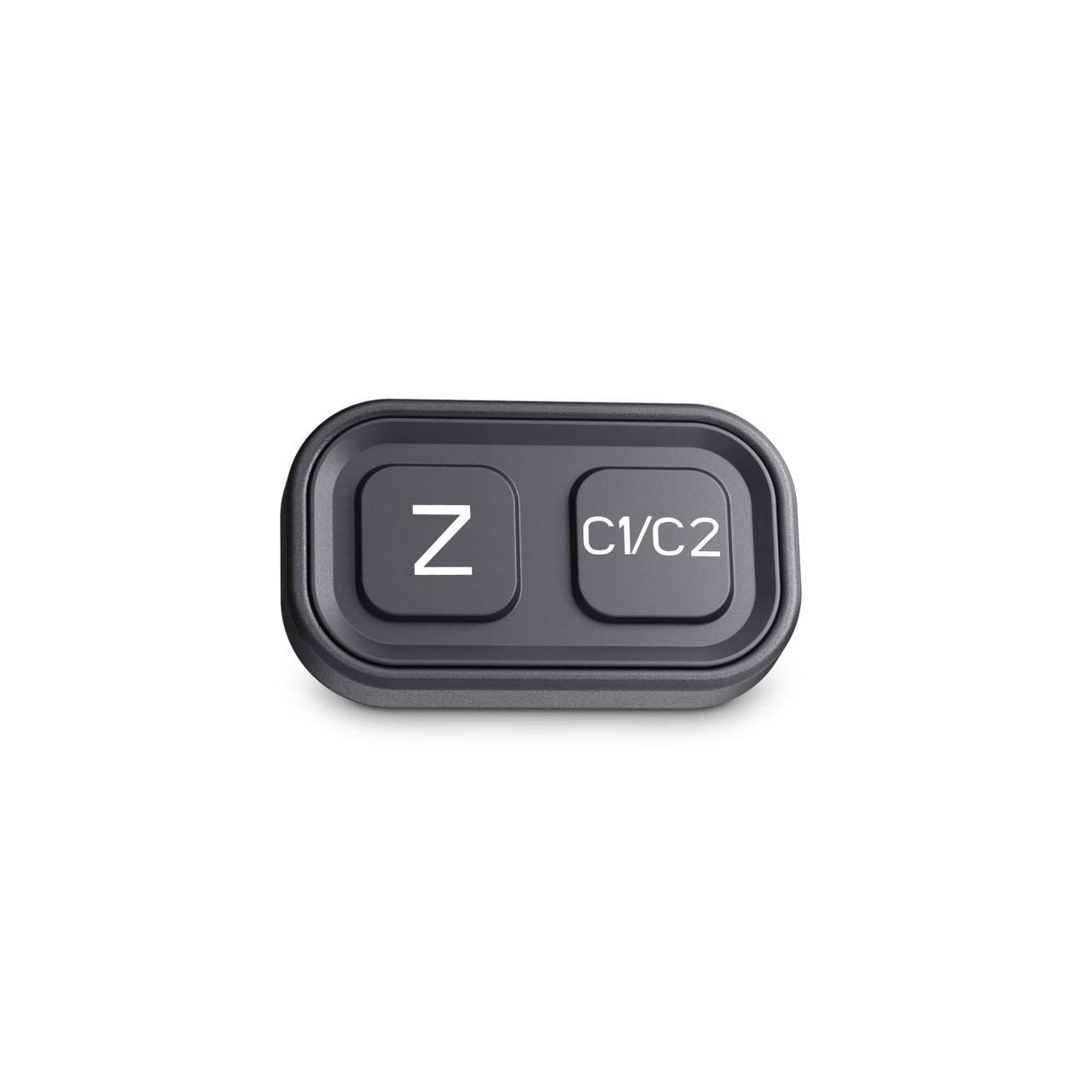
- Neatly integrates in the cockpit
- Simply switch between viewing modes (left button) and cameras (right button)
- Switch from close to far view as required while reversing or driving forward
This control switch extends the functionality of your Dometic PerfectView CAM 440 dual-vision camera. Using the two buttons you can conveniently switch between close and far view, regardless of whether you are driving backwards or forwards. If you have a CAM 440E add-on camera installed, you can also use the switch to change between the two cameras as required.
Specifications
SKU: 9620013722
| Model | CAM440 |
|---|---|
| Scope of delivery | Keypad + cable |
| SKUCertificates | ECE R10 |
| Product Description | Control switch for dual-vision camera |
| Dimensions product depth, [mm] | 30 |
|---|---|
| Dimensions product height, [mm] | 15 |
| Dimensions product width, [mm] | 50 |
| Net weight, [kg] | 0.01 |
| Dimensions parcel depth, [mm] | 60 |
|---|---|
| Dimensions parcel height, [mm] | 50 |
| Dimensions parcel width, [mm] | 100 |
| Parcel weight, [kg] | 0.10 |
See what matters
Close-range view while reversing, far-range view while driving – the dual-function lens of the CAM 440 (CAM 440E) supports both. If you add the CAM 440CS control switch to your system, you can freely switch between the two viewing modes without shifting gears.
33,00 €